
Shopify refreshes payment method design in checkout
Shopify has introduced a refreshed design for payment methods in checkout, making the payment step more visual and easier for customers to navigate.
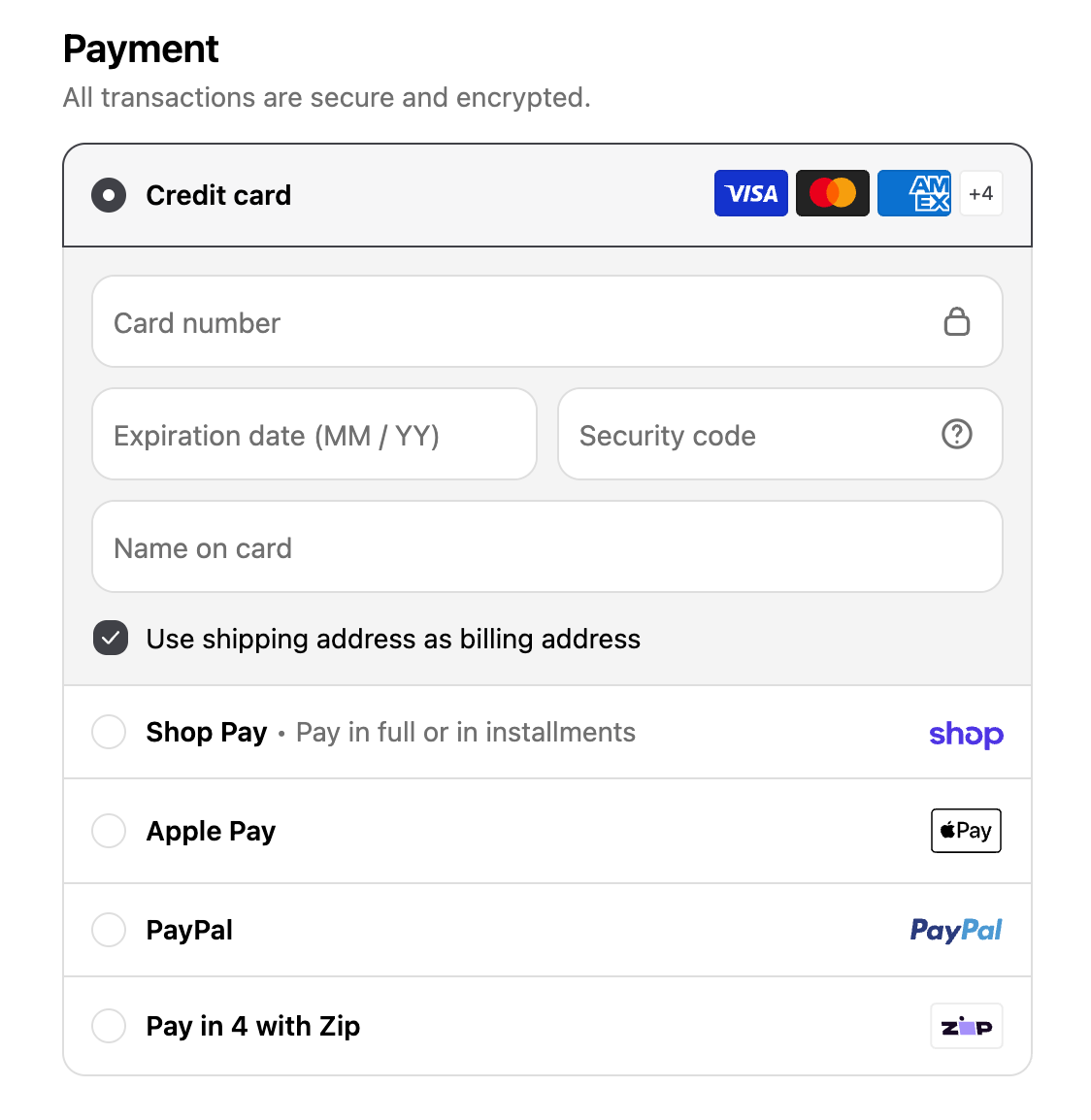
Previously, available payment methods were displayed in a simple list:
With the new design, payment methods can be displayed as individual tiles in certain situations. For example, when there are fewer than four available payment methods, they can be displayed as tiles. If you are logged in during checkout, Shopify may also display only the first two payment methods as tiles, with the remaining options available through the “More payment options” link.
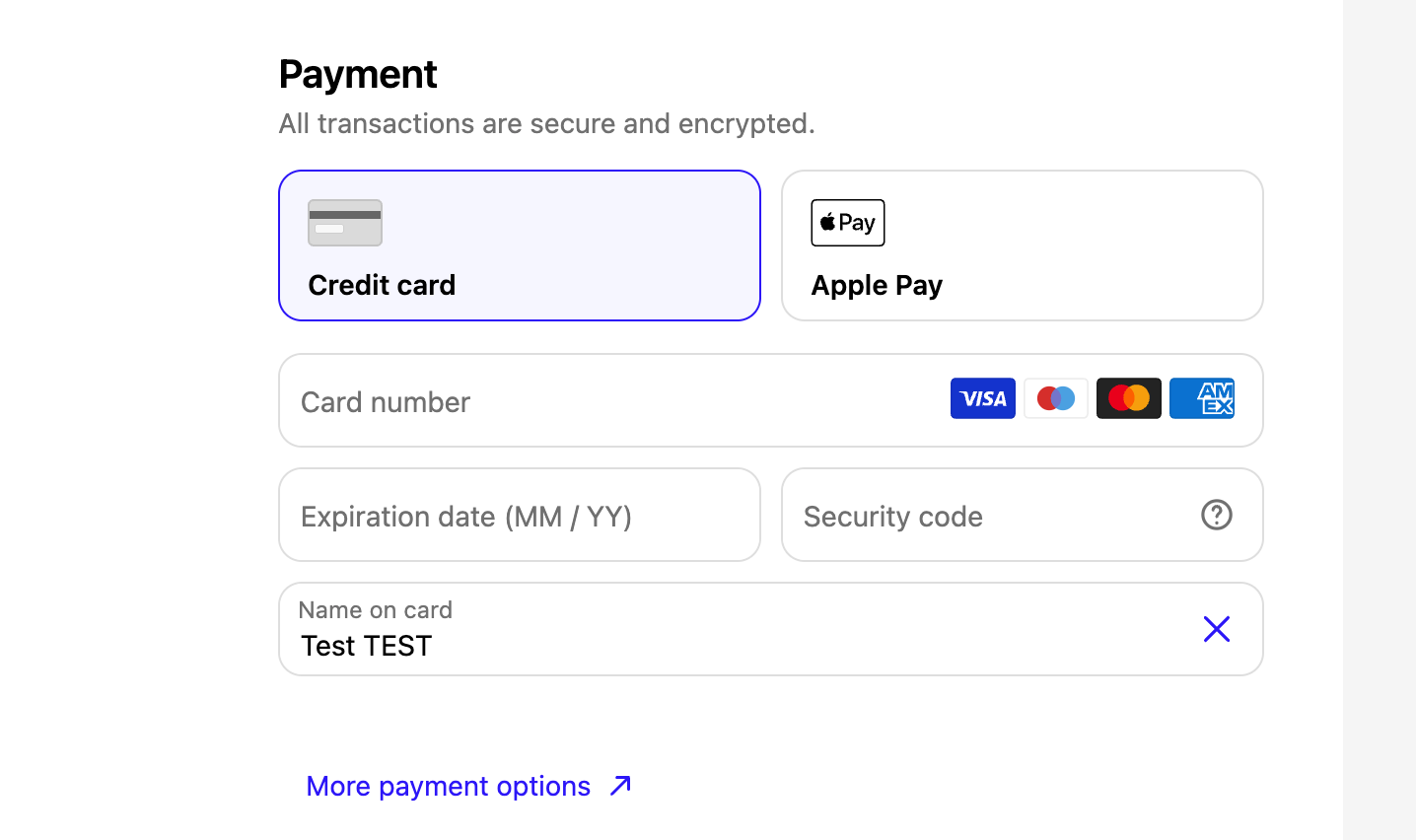
The new layout is applied automatically, so there is nothing you need to enable or change in your Shopify admin. If the checkout does not meet the criteria for the new layout, payment methods will continue to be displayed in the traditional list.
What does this mean for your store?
While this is primarily a visual update, it is worth keeping the change in mind when reviewing your store’s analytics.
The way payment methods are presented can influence how customers interact with the payment step and, potentially, checkout behaviour and conversion. The layout can also differ between markets depending on which payment methods are available.
This means you may see differences in checkout-related data when comparing different markets or periods before and after the update. When analysing conversion rates, payment method usage or other checkout metrics, consider the refreshed payment method design as one of the factors that may have influenced the results.
No action is required from merchants — Shopify handles the updated payment method presentation automatically.
Do you like the new design, or would you prefer to keep the old one? Let us know what you think!